TryTry it

Seaglass for Android

Save the pieces. Seaglass files them for you.

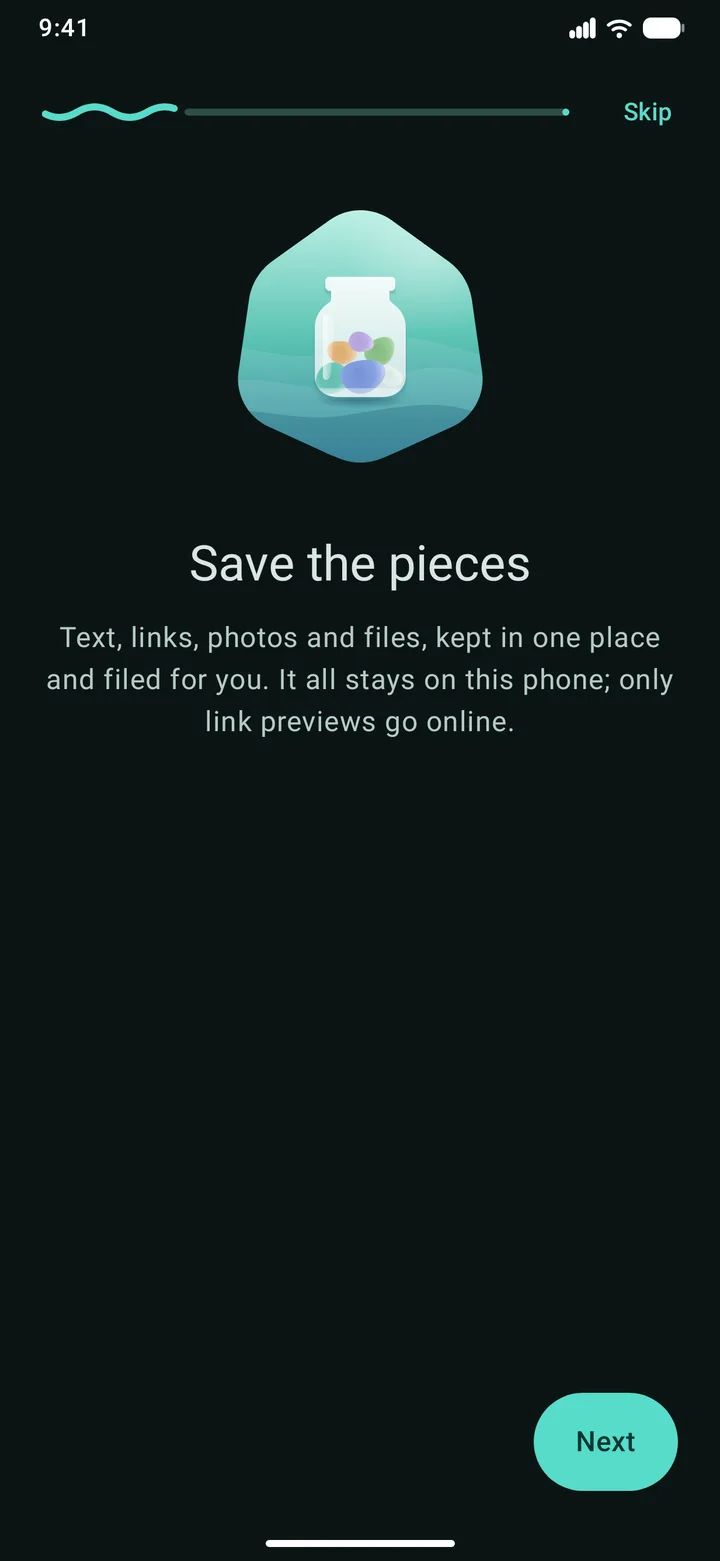
Text, links, photos and files, from any app, kept in one place. Each one gets a title, a kind and tags, worked out on your phone. Nothing leaves it but link previews.

For Android 12 and newer. No ads, no accounts, no tracking. Coming soon to Google Play: join the closed test.

Drag one onto the phone’s edge or tap it

Or drop your own photo, file, link or text on the edge. It stays in this tab.

Saving

Three ways in, from any app

Whatever you’re looking at, it’s one move to keep it. Seaglass saves it first and works out the rest after.

1

Share

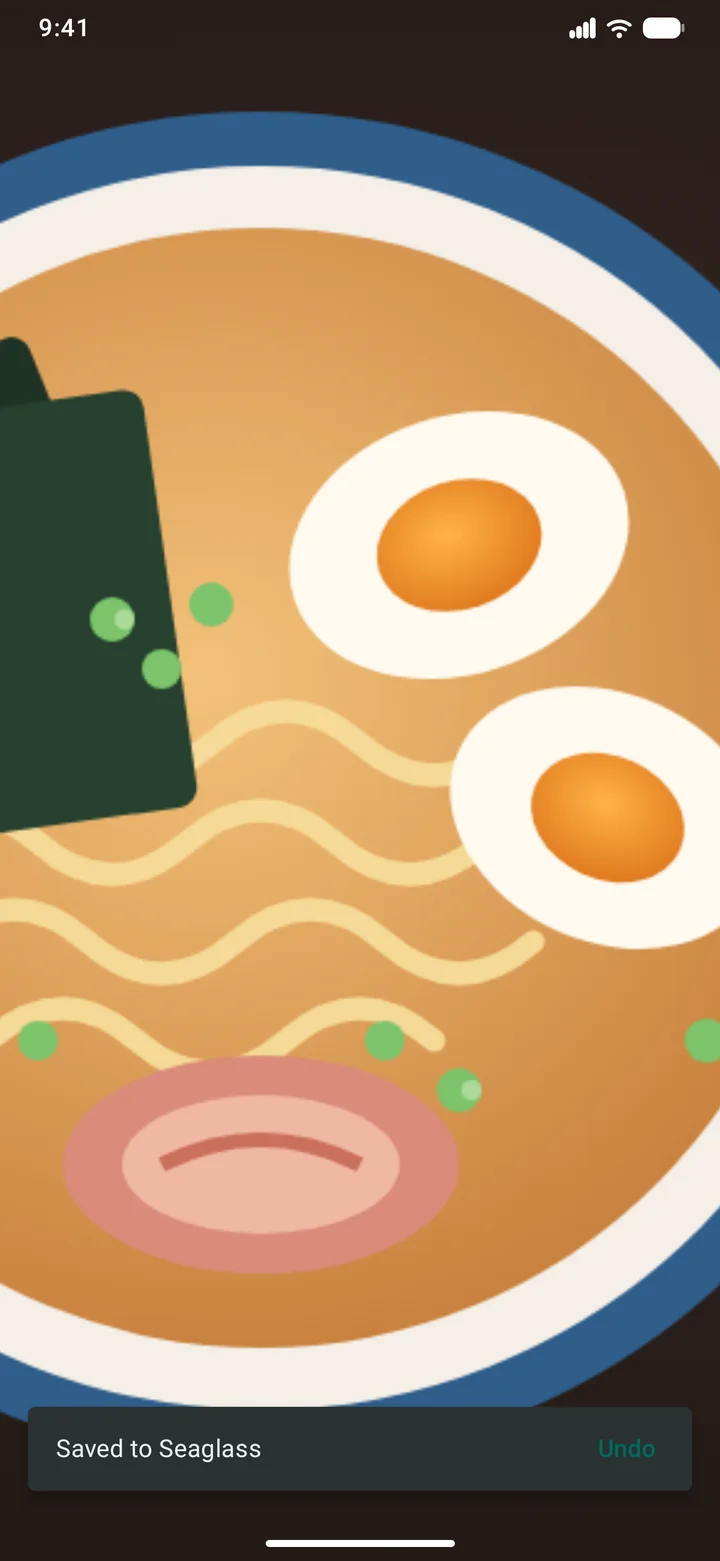
Share a link, a photo, a PDF, or a few at once, and pick Seaglass’s “Save” in the share sheet. It says “Saved to Seaglass” and gets out of the way.

2

Select text

Select some words in any app, open the menu’s extra options and tap “Save to Seaglass”. Just the part you wanted, nothing else.

3

Drag to the edge

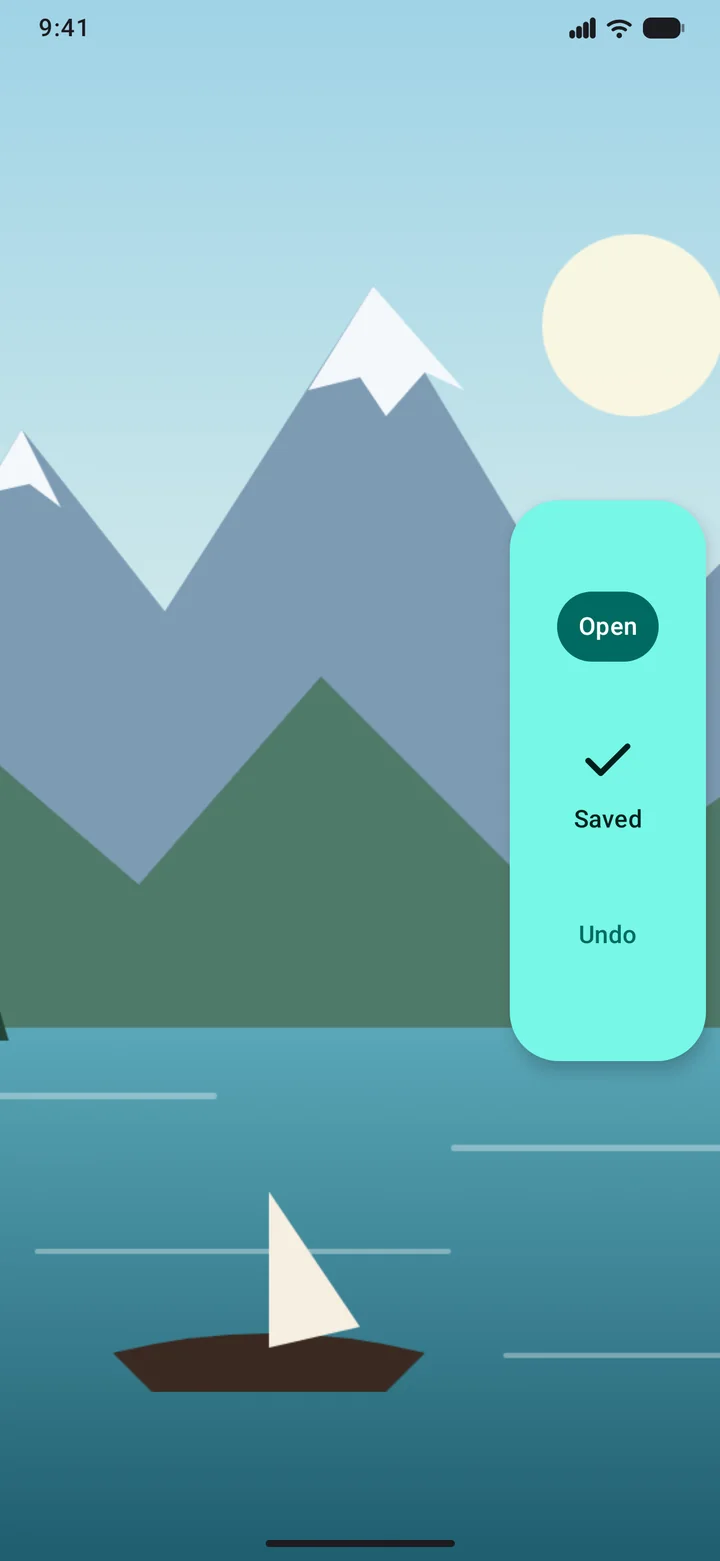
Drag a photo, some text or a link out of any app and drop it on the side of the screen. The sidebar shows only while you drag.

Filing

Filed for you, on your phone

You never have to sort anything. Every piece gets a kind and tags the moment it lands, and a title when it needs one.

  • Gemini Nano where your phone has itAndroid’s on-device model reads each piece and gives it a title, a kind, tags and a one-line summary. Only while Seaglass is open, and nothing is sent anywhere.
  • Seaglass’s own rules everywhere elseA recipe site, a shop, a map link, a list, a quote, a PDF: the rules know them on every phone, and they file first, before the model.
  • Your titles and tags winRename a piece, pick its kind or tag it yourself, and nothing files over you. A page’s own title outranks the model too.
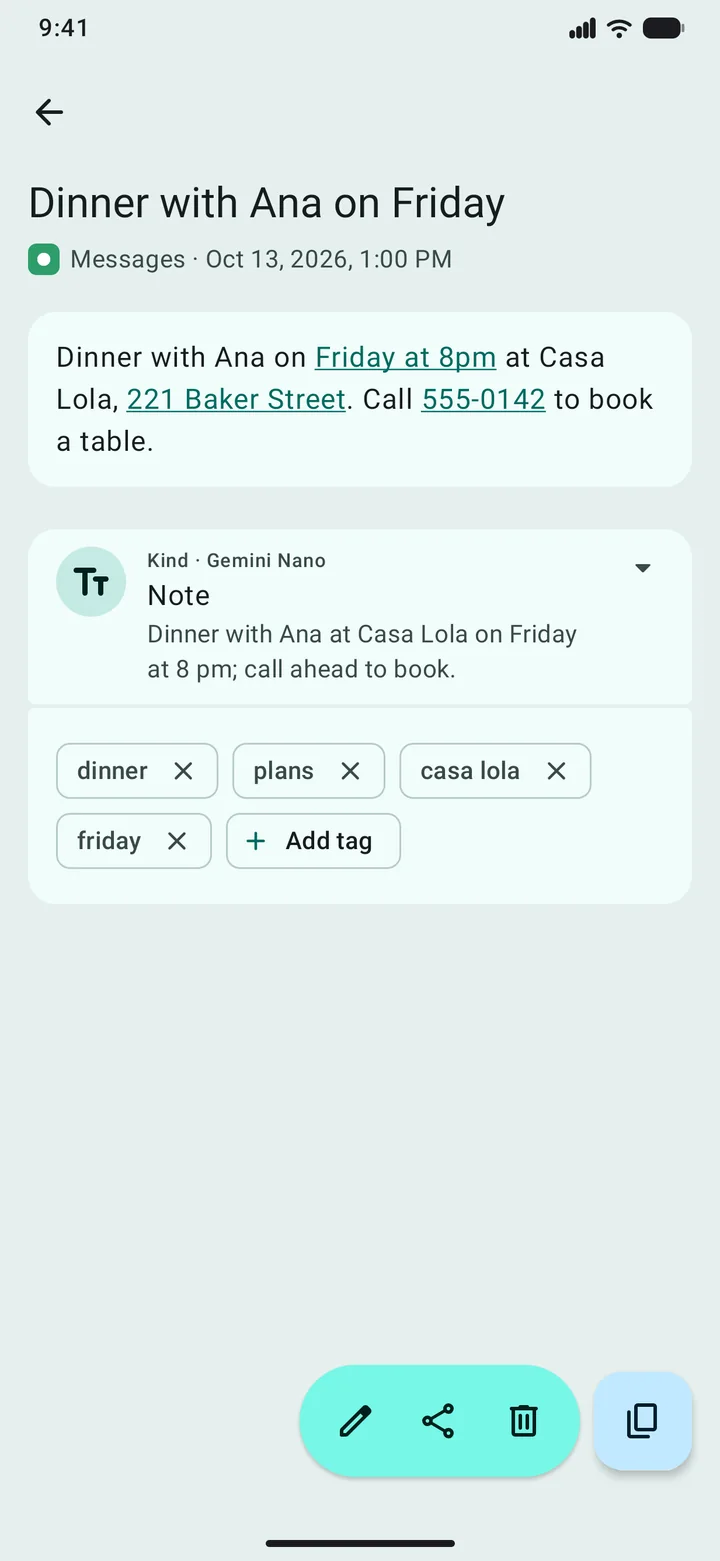
  • Phone numbers, addresses and dates, markedTap one in a note to call, get directions or add it to your calendar.

Eighteen kinds, each one only where it fits

NoteQuoteListArticleVideoProductRecipePlaceEventPagePhotoScreenshotMemeArtworkDocumentAppAudioFile
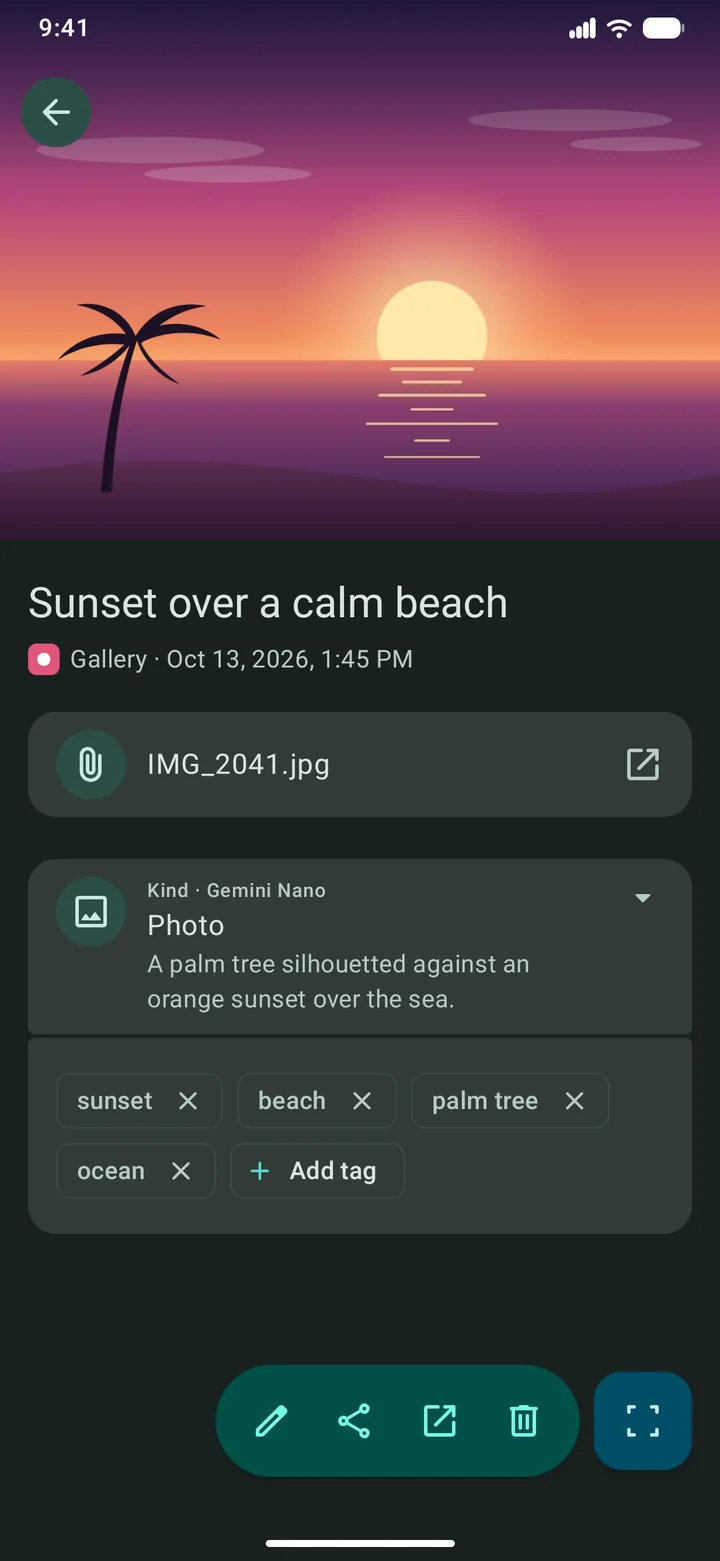
A saved recipe link in Seaglass: the page’s picture and title, its description, the link, then Kind · Gemini Nano: Recipe, with a one-line summary and the tags ramen, recipe, japanese, noodles and dinner.
A saved message in Seaglass with Friday at 8pm, 221 Baker Street and 555-0142 underlined as tappable, filed as a Note by Gemini Nano with tags.

Finding

Find it again in a second

The library keeps everything in one grid, newest on top. Save the same thing twice and it just moves back to the top.

  • Search everythingTitles, notes, page descriptions and a photo’s caption, as you type.
  • Text in picturesTurn it on and the words in your screenshots and photos become searchable too, read on your phone for Latin, Chinese, Devanagari, Japanese and Korean scripts.
  • Filter by kind or tagRecipes, places, screenshots, “ramen”. Tap a tag on any piece to see everything filed under it.
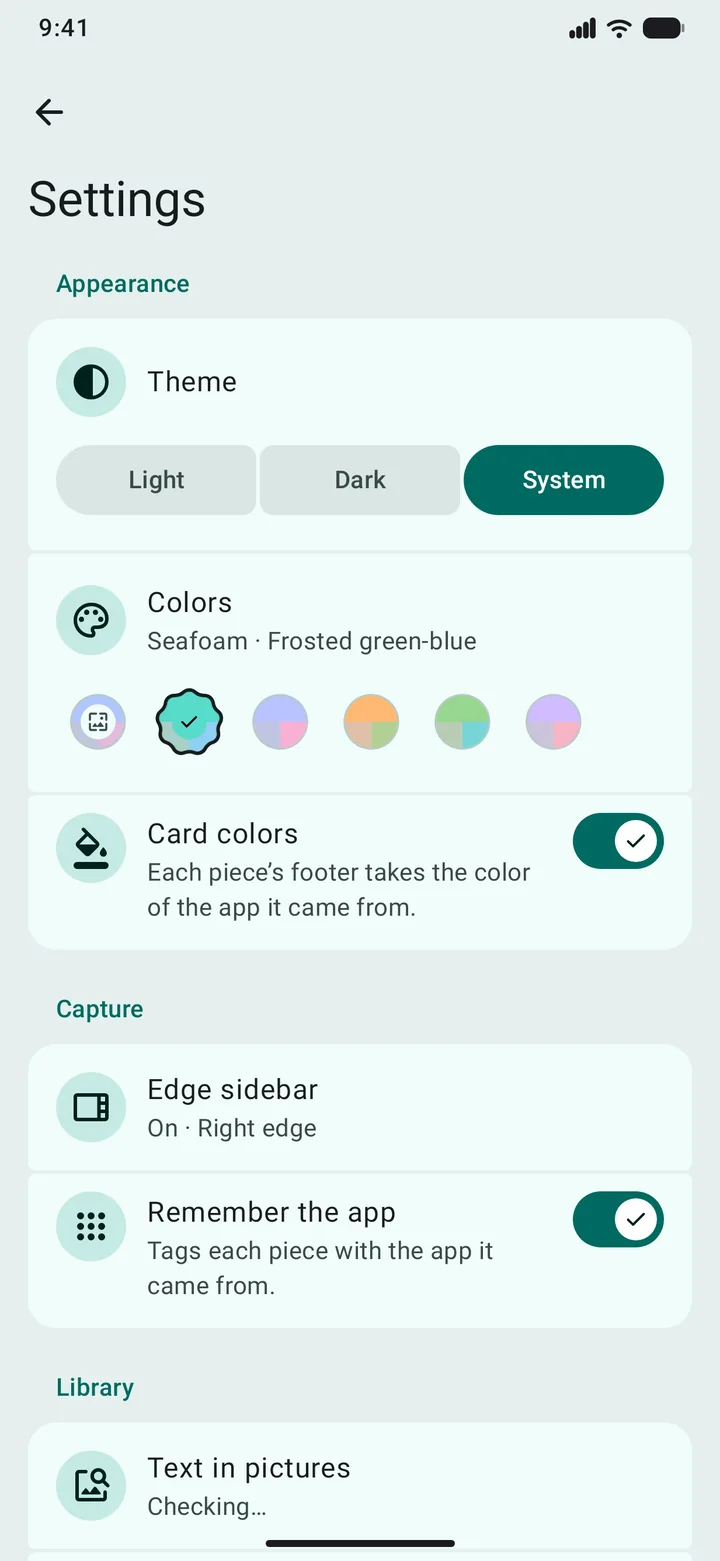
  • Colours that tell you where it came fromEach card wears the colour of the app it came from, and the whole app comes in light and dark, in your wallpaper’s colours or one of five sea-glass colours.
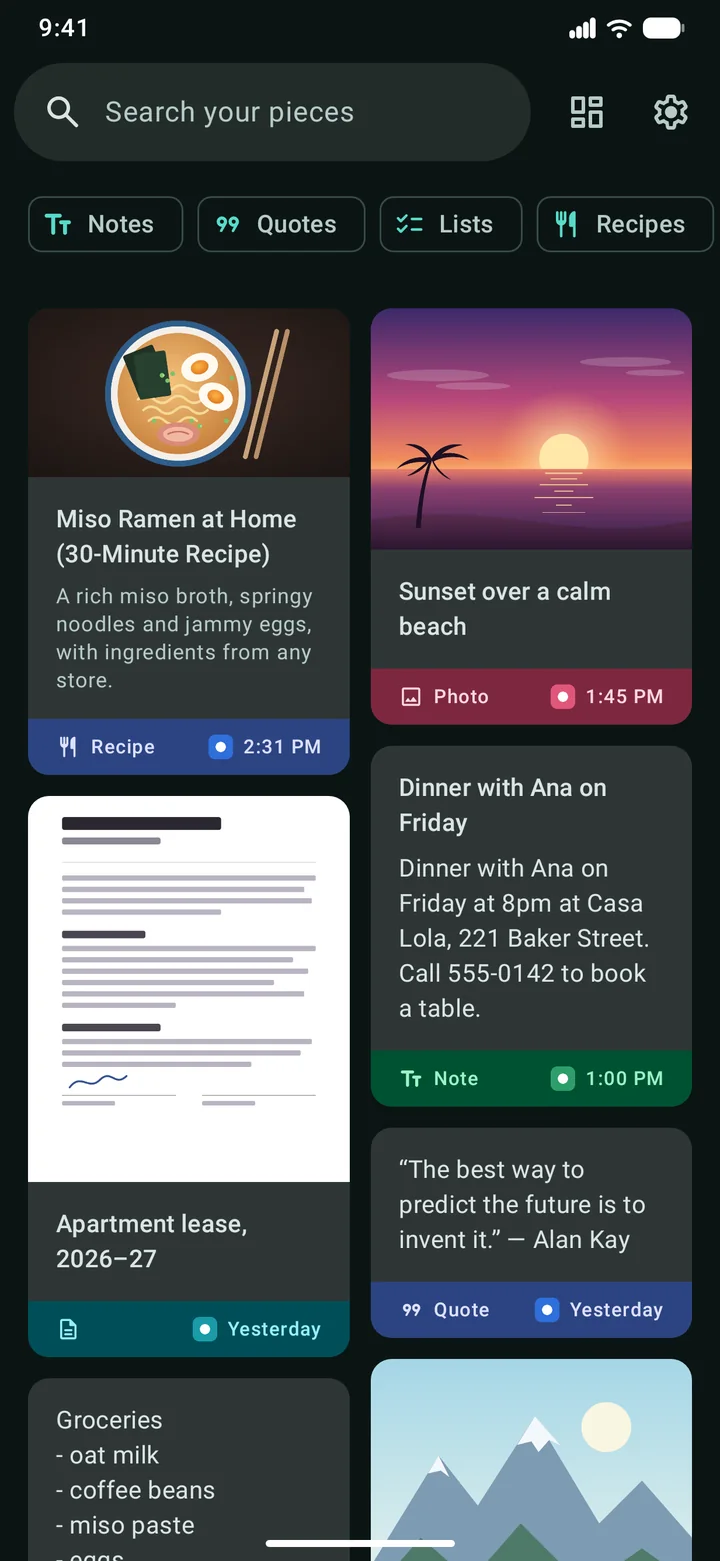
Seaglass’s library: a search bar, kind chips, and a two-column grid of cards for a recipe, a beach photo, a dinner note, a lease PDF, a quote, a list and a mountain photo, each footer in its app’s colour.

Straight from the app

A closer look

Drawn by the app’s own code, with a few made-up pieces.

Privacy

Your library lives on your phone

No account, no sync, no ads, and no analytics of its own. The developer never sees what you save.

Read the privacy policy

  • It stays in Seaglass’s private storagePictures and files are copied in when you save them, so they keep working after the other app forgets them.
  • Seaglass itself sends one thing online: link previewsSaving a link fetches its title and picture, over HTTPS, with no cookies. Turn previews off and Seaglass makes no network requests of its own. (Google’s text-in-pictures reader, if you download it, may send Google diagnostics; the policy has the details.)
  • Your backups are your filesBack up to a file you choose, by hand or on a schedule, and restore it on any phone. Android’s cloud backup never copies your library.

Questions

Good to know

Something else? Email me at developerdfa@gmail.com, or see support.

Which phones does it work on?

Phones with Android 12 or newer. Smart filing with Gemini Nano works on phones that have Android’s on-device model; every other phone files with Seaglass’s own rules.

What does Gemini Nano do with my pieces?

It reads each piece on your phone and answers with a title, a kind, a few tags and a one-line summary. Nothing is sent anywhere, and it only runs while Seaglass is open. You can rethink any piece, or all of them, from the app.

Does it work offline?

Yes. Only link previews need a connection, plus the downloads you start yourself: Gemini Nano and the text-in-pictures reader.

How do I move my library to a new phone?

Export a backup file in Settings › Backups and restore it on the new phone, or use Android’s phone-to-phone transfer when you set it up.

Why does the sidebar need “Display over other apps”?

To draw its drop zone over the app you’re dragging from. Samsung phones call it “Appear on top”. The sidebar is off until you turn it on, and it shows only during a drag.

Why “Seaglass”?

Sea glass is broken glass the sea has tumbled smooth and frosted, until someone picks it up and keeps it. Seaglass keeps the pieces you find on your phone.

Try Seaglass before it’s out

A closed test on Google Play starts soon. Join the testers group with the Google account you use on Play, and you’ll get Seaglass when it opens.